
Turn Claude, Codex and ChatGPT into your creative studio.
One endpoint to create media, retrieve references, and coordinate every production stage from your AI agent.
ChatGPT and Codex
- Open the Widemile plugin using the button below.
- Click Install plugin, then Connect Widemile and sign in to your account.
- Type @Widemile in chat and ask for anything you want to create.
Claude and Claude Code
- Open Claude and go to Customize → Connectors.
- Add a custom connector, name it Widemile, and paste the MCP address below.
- Type @Widemile in chat and ask for anything you want to create.
Other compatible agents
- Cursor
- Gemini
- Grok Bot
- Clawdbot
MCP endpoint
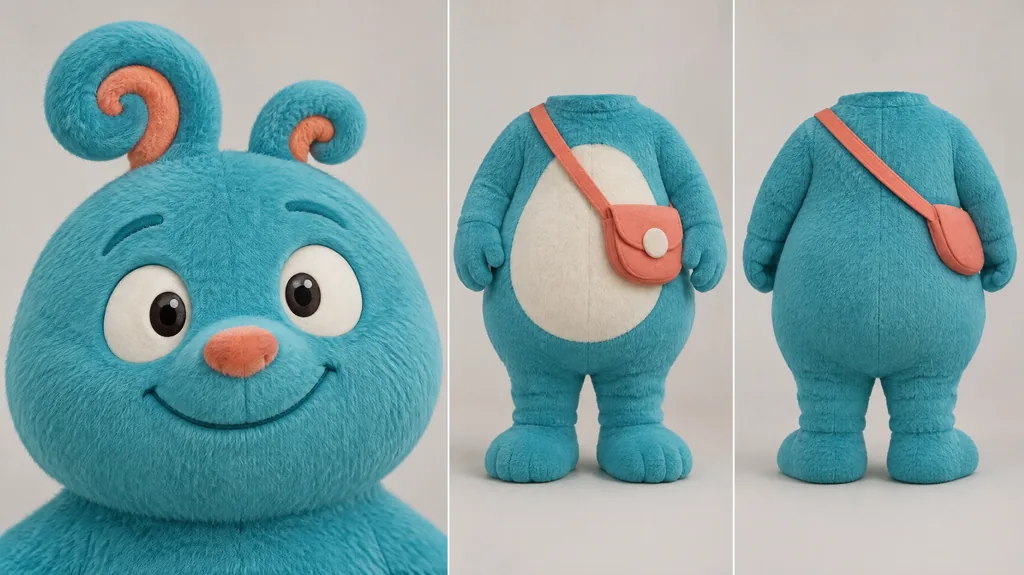
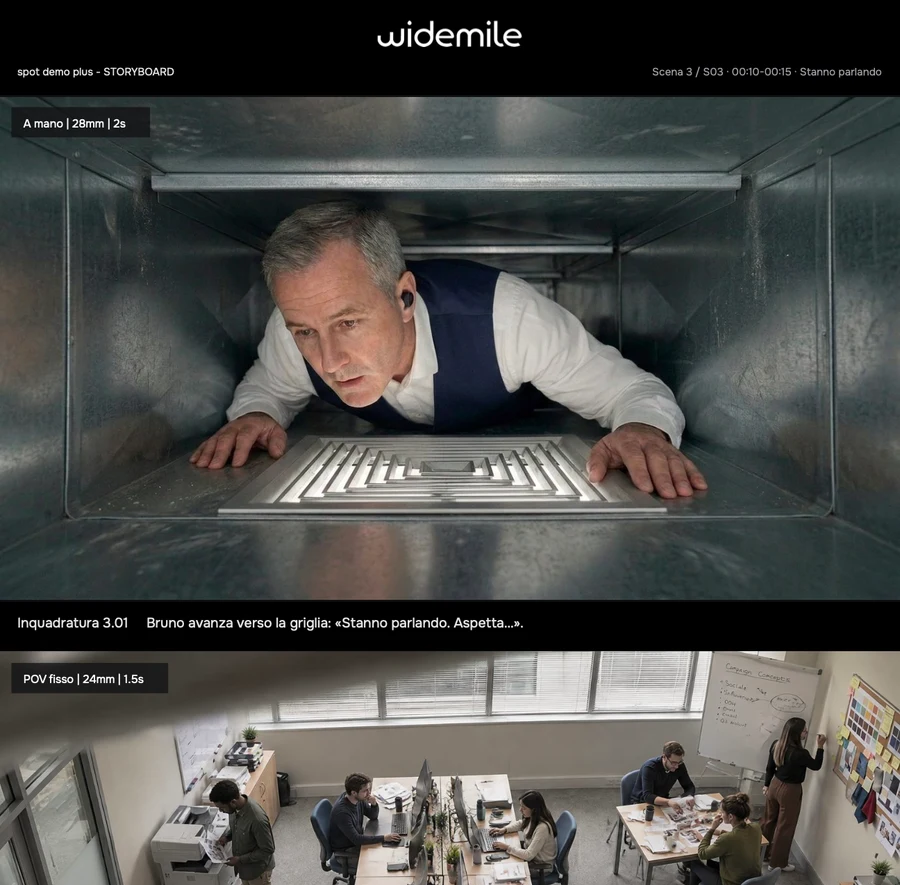
A few examples of what you can do


FAQ
Questions about Widemile MCP?
Connections, tools, and credits: the answers to start creating from your agent.
Widemile MCP connects your AI agent to the tools in your creative studio. You can ask it to create content and work on your projects directly in chat.